
This frosted glass effect for DaVinci Resolve blurs and softens parts of your footage to create a clean, glass-like overlay.
Download the frosted glass effect → cws-FrostedGlass.drfx
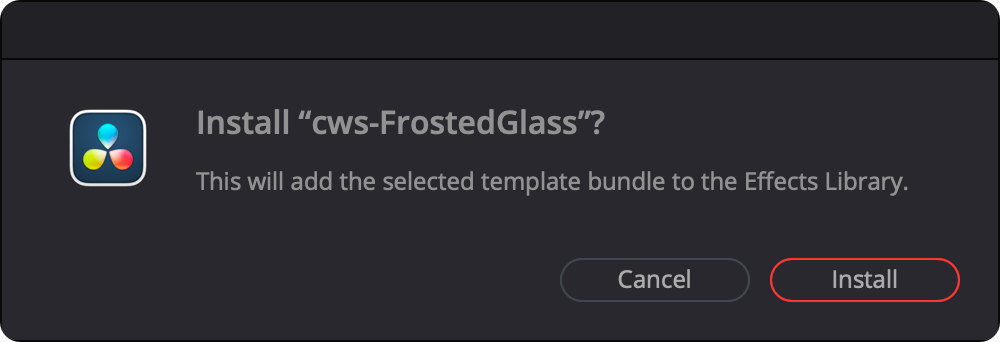
Once downloaded, double click the cws-FrostedGlass.drfx file. DaVinci Resolve will open and prompt you to confirm installation:
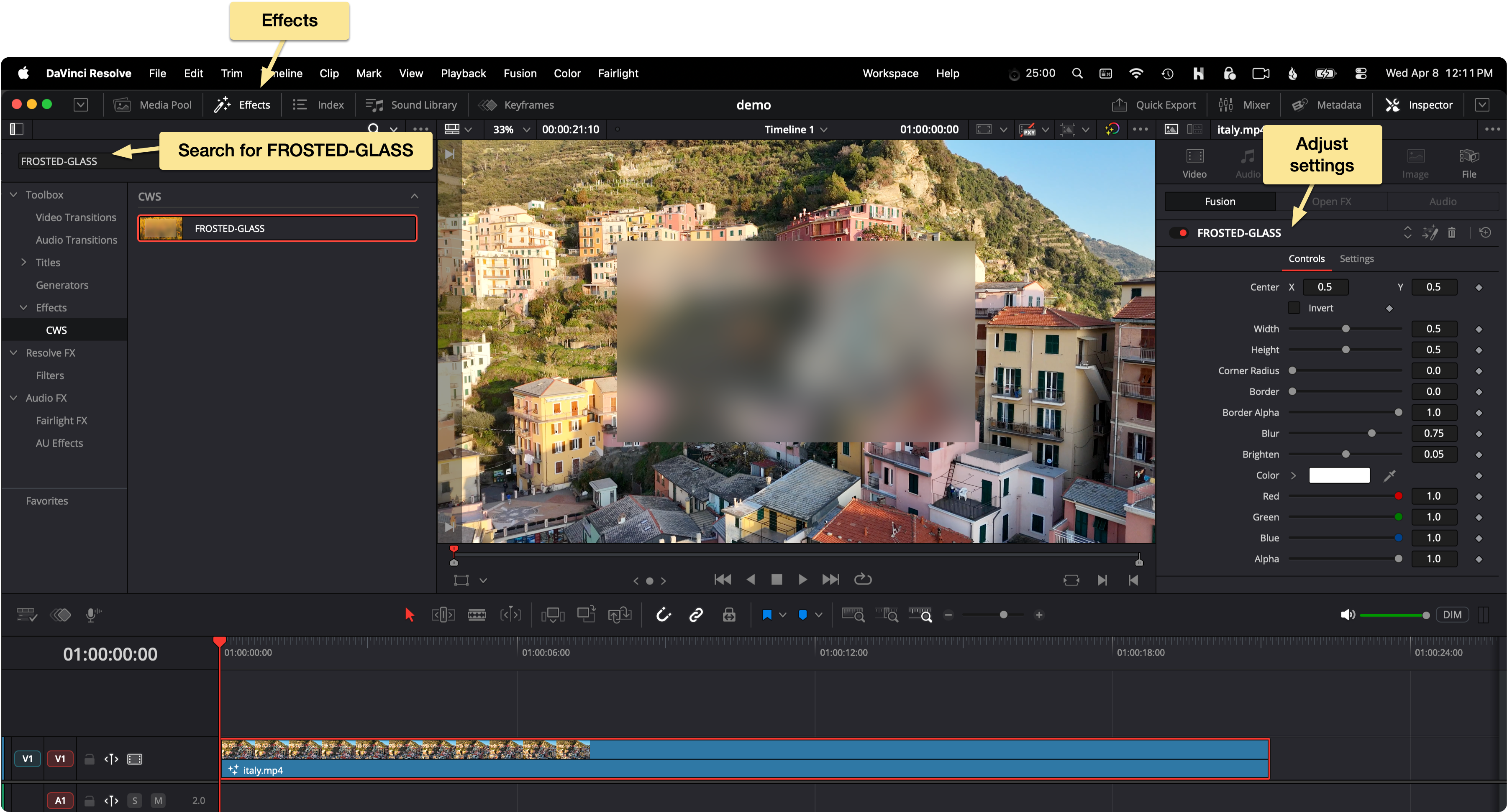
After installation, go to the Edit page → Effects Library and search for FROSTED-GLASS.
Drag and drop the FROSTED-GLASS effect onto a clip in your timeline.
With the effect applied, you can adjust its settings in the Inspector → Effects panel on the right.
When installed, the .drfx file is extracted into Resolve’s Fusion Templates directory:
Macintosh HD/Users/username/Library/Application Support/Blackmagic Design/DaVinci Resolve/Fusion/Templates/C:\Users\username\AppData\Roaming\Blackmagic Design\DaVinci Resolve\Support\Fusion\Templates\home/username/.local/share/DaVinciResolve/Fusion/Templates/ Automatically Remove Silences in DaVinci Resolve
 Record a voice-over in DaVinci Resolve
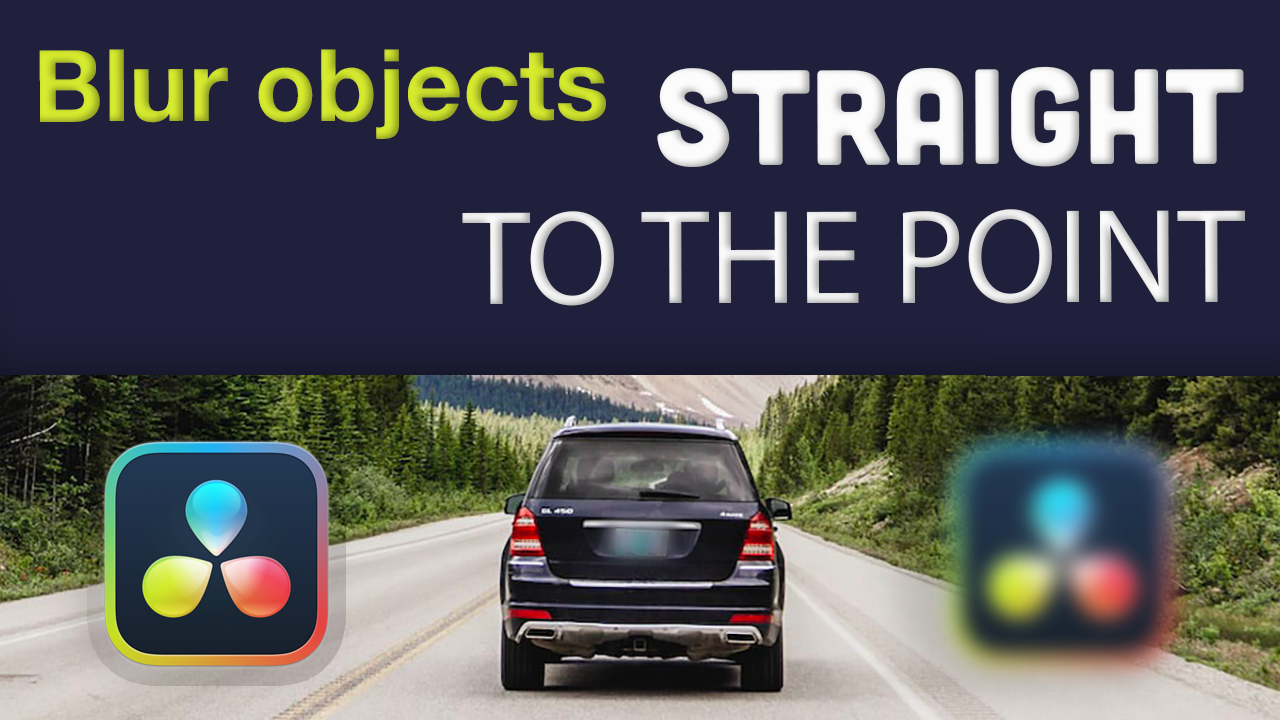 Blur something out in DaVinci Resolve