
When running a Laravel application on a production server, you’ll want it to be configured to use a real world mail server (e.g. MailGun, SendGrid) so that any outgoing emails are actually delivered to your users’ inbox.
During local testing and development, though, you’ll usually want to “catch” any outgoing emails so you can confirm everything is working as expected without actually sending real emails.
One way to do that is via MailPit, a local email testing tool. MailPit runs a fake SMTP server, captures outgoing mail, and lets you view messages in a browser UI or via an API.
This guide shows how to install MailPit and configure a Laravel application to use it.
Visit https://mailpit.axllent.org/docs/install/ to find installation instructions for your operating system.
In my example, I’m running Mac so I’ll install via Homebrew:
brew update && brew install mailpit
Start the MailPit server with the command:
mailpit
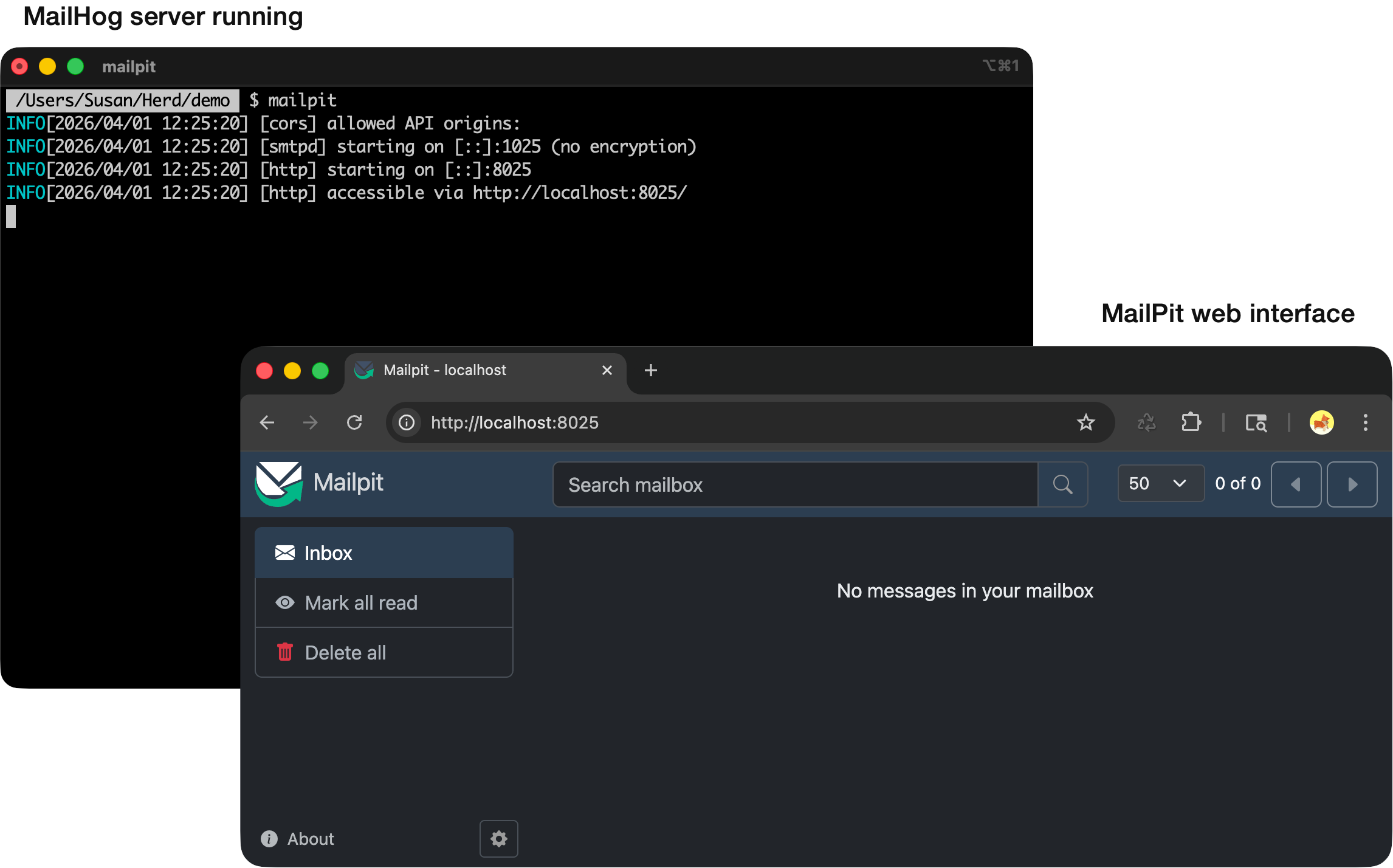
With the MailPit server running, you should be able to access the web interface via the URL http://localhost:8025/
Open your Laravel application’s .env file and set the following values:
MAIL_MAILER=smtp
MAIL_HOST=127.0.0.1
MAIL_PORT=1025
MAIL_USERNAME=null
MAIL_PASSWORD=null
MAIL_ENCRYPTION=null
If your application caches configuration, run:
php artisan config:clear
To test MailPit, we need some code in our application that will send an email. For this simple example, we can set up a route (/test-email) that invokes the Mail facade’s raw method:
# file: /routes/web.php
use Illuminate\Support\Facades\Mail;

Route::get('/test-email', function () {
    Mail::raw('This is a test...', function ($message) {
        $message->to('janedoe@gmail.com')->subject('Testing 123...');
    });

    return 'Email sent!';
});
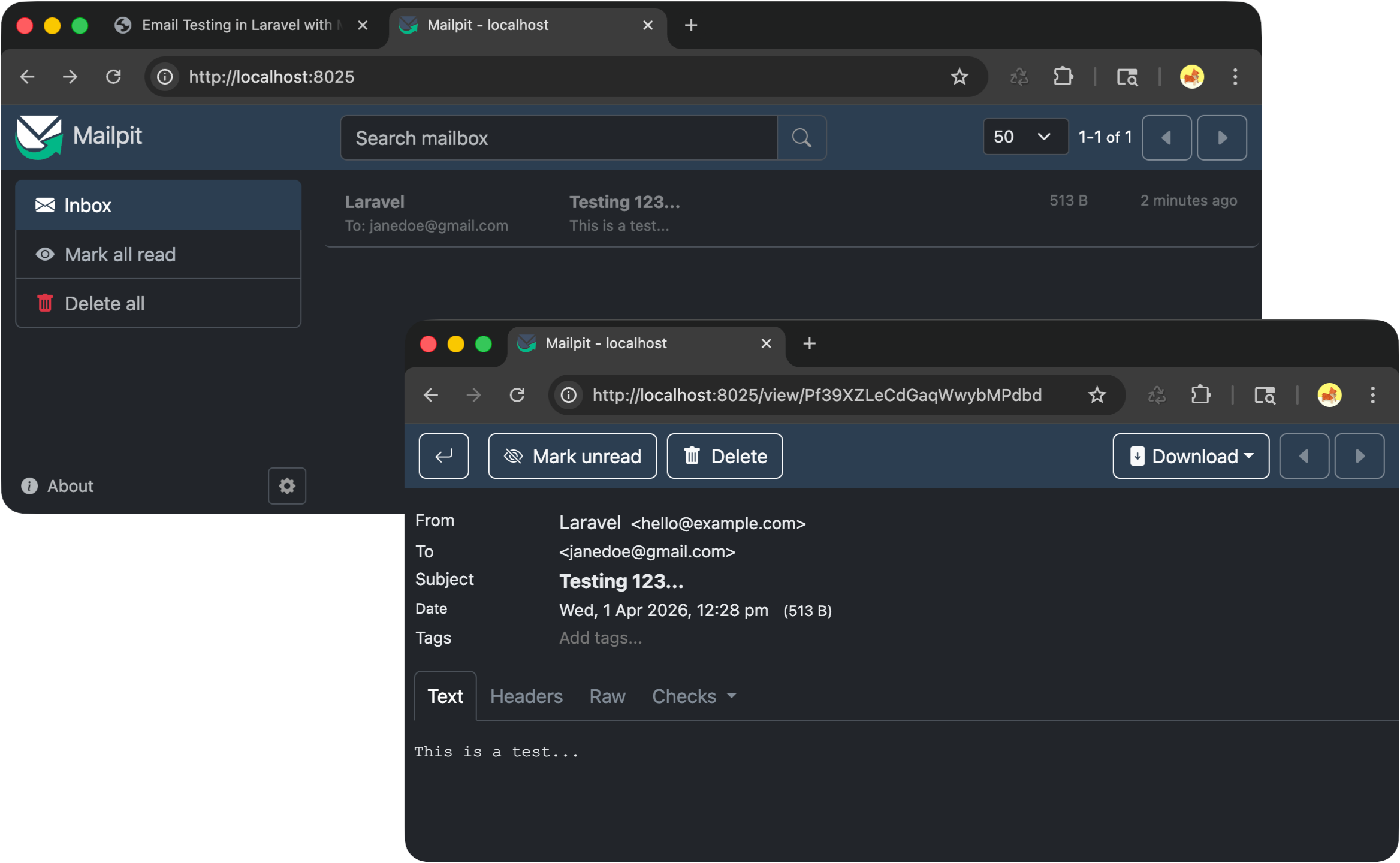
When this route is invoked, it will attempt to send an email to janedoe@gmail.com, but because Laravel is configured to use MailPit, the message will be captured locally and visible in the MailPit web interface.
No subscriptions, no auto-renewals.
Just a simple one-time payment that helps support my free, to-the-point videos without sponsered ads.
Unlocking gets you access to the notes for this video plus all 200+ guides on this site.
Your support is appreciated. Thank you!
 Local email testing in Laravel
 Send emails in Laravel without a Mailable class
 Deploying Laravel - MySQL / MariaDB database setup (Ubuntu)