
When I’m recording a video tutorial using RStudio, I sometimes make mistakes in the console and need to clear previous output for editing purposes.
The only option for clearing the console in RStudio is to clear the entire console (either via the broom icon or the command cat("\014")), which is not helpful in this particular situation.
As a workaround, I open the web inspector for the RStudio console and execute JavaScript code to do the clearing.
To open the web inspector, right click the RStudio Console pane and select Inspect Element. In the pane that appears go to the Console tab and execute the following JavaScript code:
function clear(n = 1) {
    let container = document.getElementById("rstudio_console_output");
    if (container) {
        let spans = container.getElementsByTagName("span");
        for (let i = 0; i < n && spans.length > 0; i++) {
            spans[spans.length - 1].remove(); // Remove last span n times
        }
    }
}
This defines a function called clear that accepts an argument n indicating the number of lines to clear. If n is omitted, it will clear 1 line by default.
Once this function is defined, I can invoke it whenever I need to clear lines.

Misc. Notes:
No subscriptions, no auto-renewals.
Just a simple one-time payment that helps support my free, to-the-point videos without sponsered ads.
Unlocking gets you access to the notes for this video plus all 200+ guides on this site.
Your support is appreciated. Thank you!
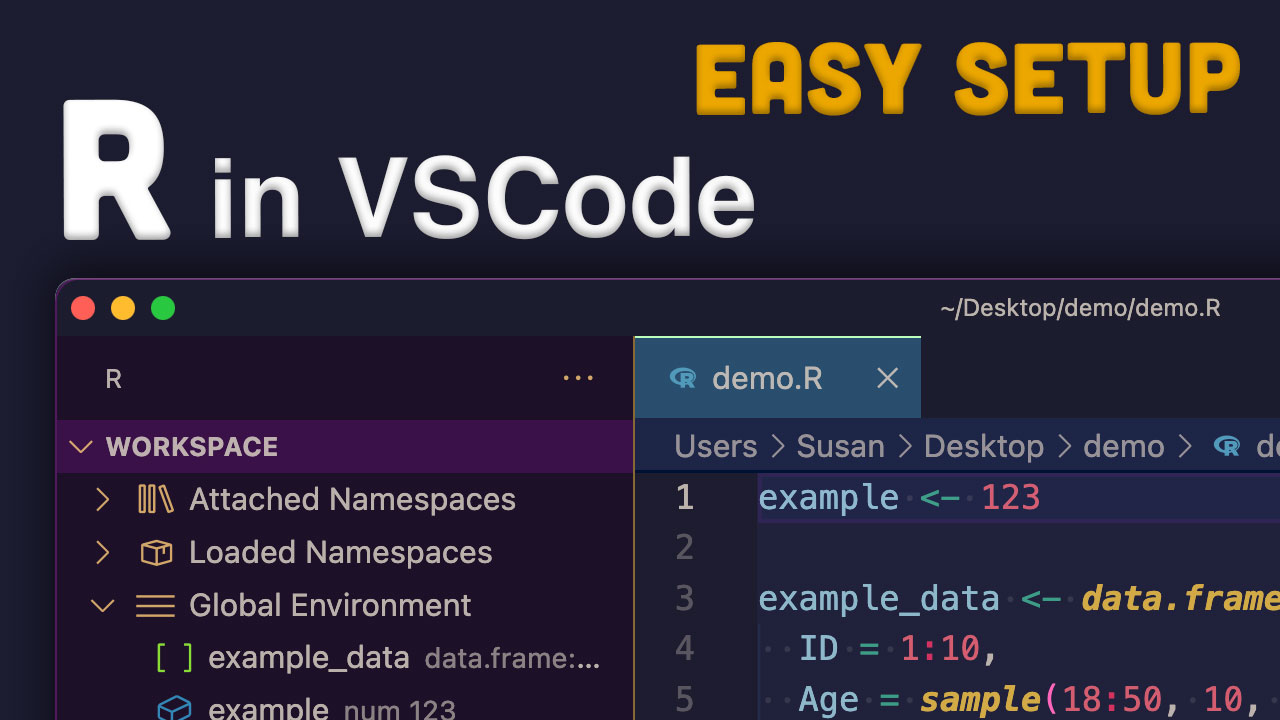 Simple setup for R in VSCode instead of RStudio (Mac)
 Goodbye RStudio, Hello Positron
 Run ChatGPT in RStudio with chattr